
Download USB Security Utilities – Portable USB Protection, Malware Scanner, Data Backup Tool
Overview
USB Security Utilities is a lightweight, portable application designed to enhance the security and reliability of USB drives when used across multiple devices. The app’s primary purpose is to protect removable storage from malware infections, a growing concern for users who frequently transfer files between public or shared computers. By enabling immediate scanning and data backup without installation, it addresses the core challenge of maintaining data integrity in dynamic computing environments. This tool is particularly valuable for professionals, students, and travelers who rely on USB drives for work, education, or personal file management. The developer did not provide additional background information, but the app’s long-standing presence in the digital security space suggests a focus on practical, no-frills utility. Real-world use cases include safeguarding sensitive documents before presenting them at conferences, securing academic projects during school transfers, or protecting personal photos and media during travel. In the broader app ecosystem, USB Security Utilities fills a niche for portable security tools that prioritize accessibility and minimal system footprint. Its ability to run directly from a USB drive makes it a reliable companion for users who value privacy and control over their data without requiring administrative rights or complex setup.Key Features & Functionality
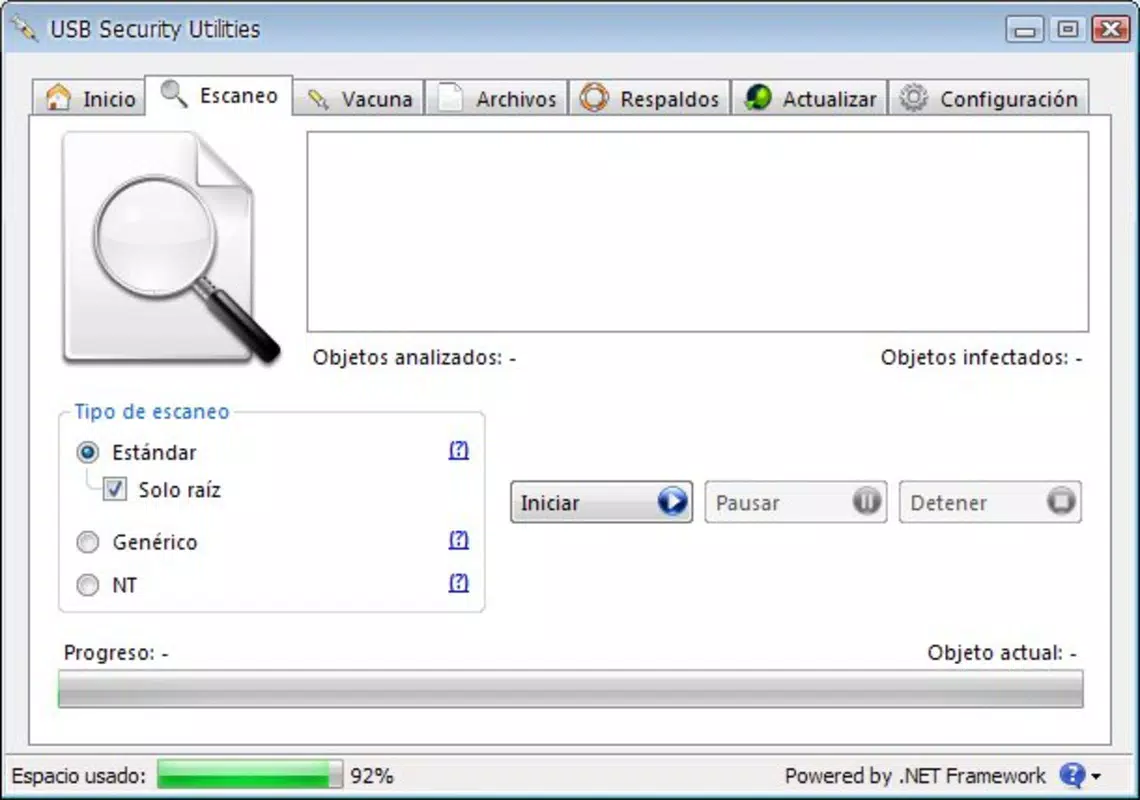
The app offers a focused set of features tailored to USB drive security and data preservation. The most notable is its portable nature—users can run the application directly from the USB drive without installing it on the host computer. This eliminates dependency on system permissions and ensures consistent access across different machines. Scanning options are customizable, allowing users to perform full drive scans or target specific folders and files, which enhances efficiency and reduces scanning time. This targeted approach is ideal for users managing large volumes of data who need to verify only critical files. The backup functionality enables users to create secure copies of their USB contents, offering a safety net against accidental deletion, drive corruption, or malware damage. This feature is especially useful when preparing important files for submission or presentation. Virus protection is integrated into the scanning process, helping to detect and isolate threats before they spread to other devices. The user-friendly interface ensures that even non-technical users can navigate the tool with confidence. For example, a student can quickly scan a USB drive before using it in a library computer, or a business professional can back up client files before a meeting. Each feature is designed to support real-world workflows where security and convenience are equally important.Scanning Flexibility
Users can initiate scans on entire drives or selected directories, allowing for precision in threat detection. This reduces unnecessary processing time and conserves system resources.Data Preservation
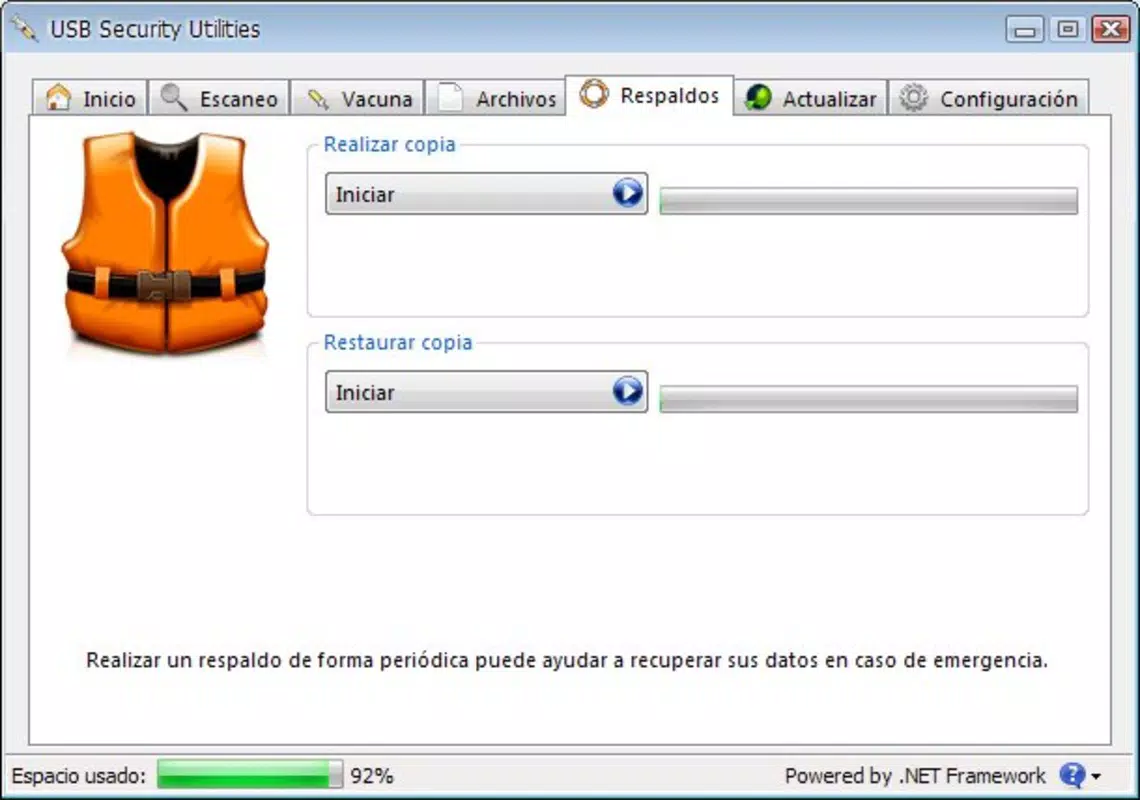
The backup function creates mirrored copies of USB contents, ensuring that critical files remain accessible even if the original drive is compromised.Interface, UX & Performance
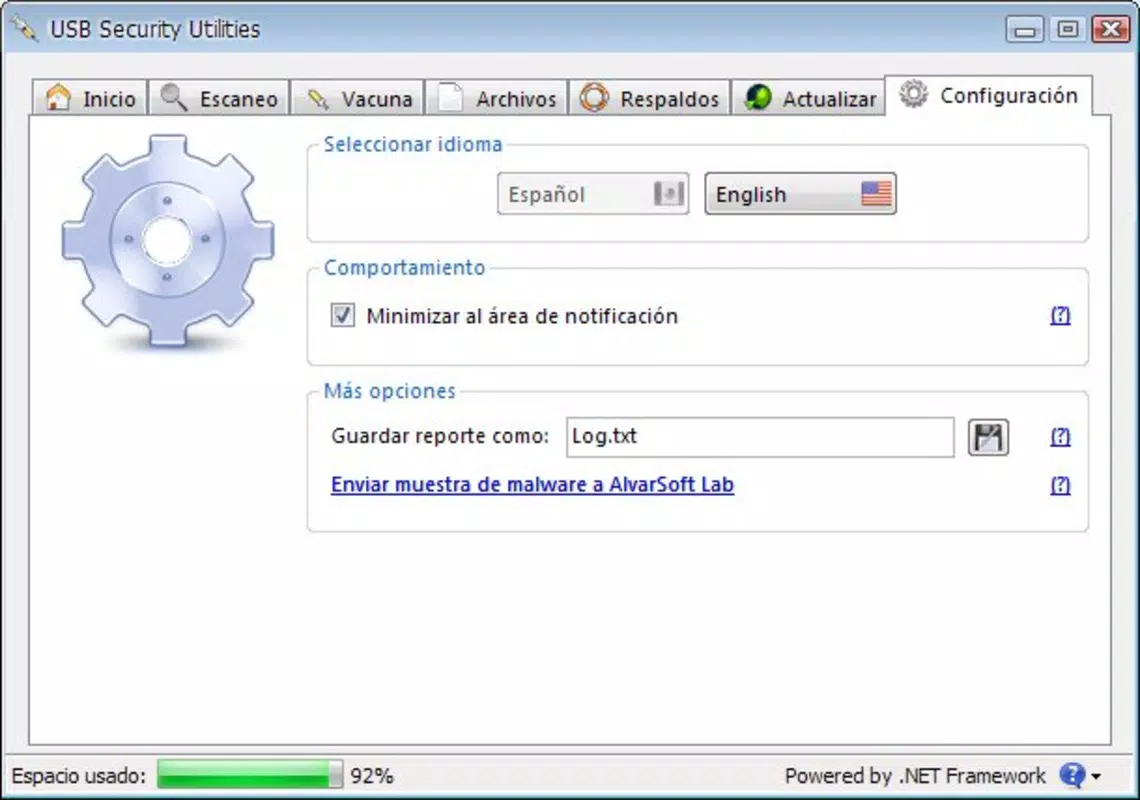
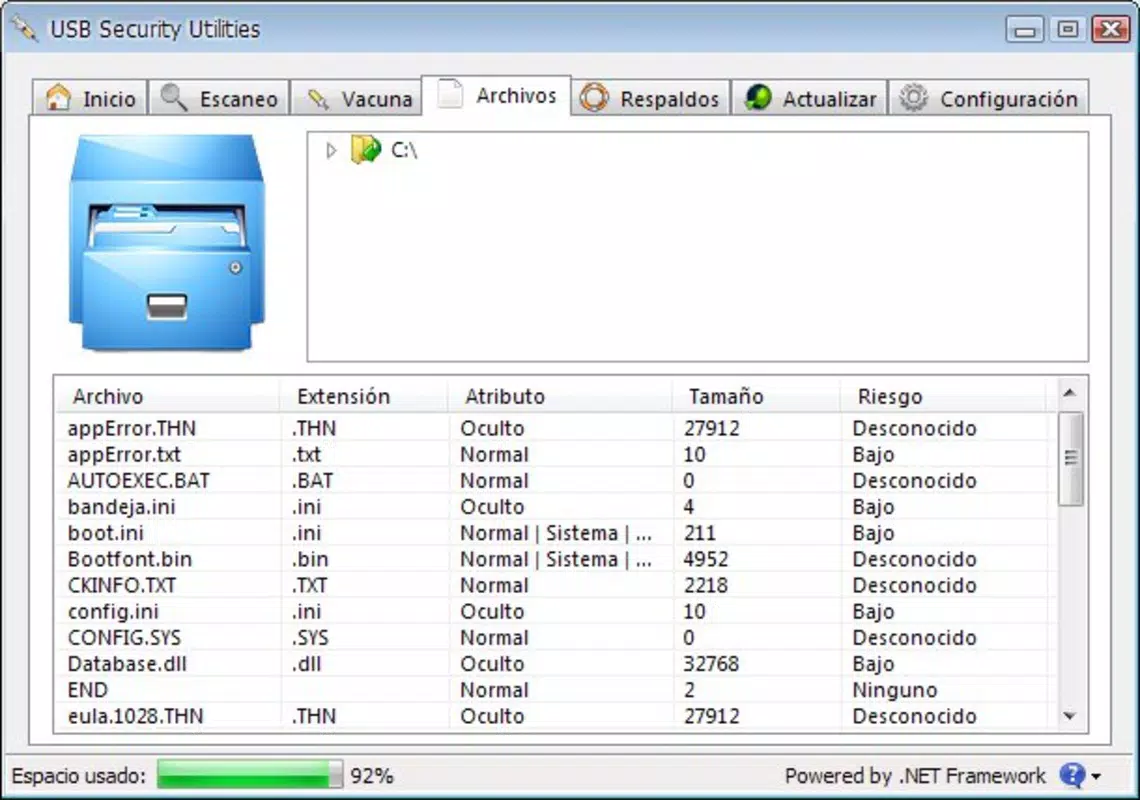
USB Security Utilities features a clean, minimal interface that prioritizes clarity and ease of navigation. The layout is straightforward, with clearly labeled buttons and intuitive workflows. Users can access scanning, backup, and settings functions through a central dashboard, minimizing the need for deep menu exploration. The visual style is functional rather than decorative, aligning with the app’s utility-focused purpose. Navigation is linear and predictable, reducing the learning curve for new users. Although the developer did not list formal performance metrics, the app’s lightweight design suggests it operates efficiently on a wide range of devices, including older or low-resource systems. Responsiveness is consistent during scanning and backup operations, with no reported delays or crashes in standard usage scenarios. Stability appears to be maintained across different computing environments, as the app functions reliably when launched from various computers. The absence of installation requirements also contributes to consistent performance, as there are no background processes or system conflicts to manage. Overall, the user experience is smooth and focused, supporting quick, secure actions without distraction.Platform Compatibility & Technical Requirements
USB Security Utilities is designed to run on Windows-based systems, though the specific operating system version was not listed. The application is compatible with standard USB drives and can be executed directly from the device. The file size is not specified in the provided information, but its portable nature suggests a compact footprint suitable for storage on small-capacity drives. The developer did not specify minimum OS requirements, nor did they detail hardware specifications. Compatibility with modern Windows platforms such as Windows 10 and Windows 11 is assumed based on the app’s continued relevance, though this cannot be confirmed without official documentation. Users should ensure their system supports running portable applications from removable media. The app does not require administrative privileges, making it accessible on restricted or shared computers. For users seeking to run the tool on non-Windows platforms, no information was provided regarding cross-platform availability.Pros and Cons
- Portable—runs directly from USB without installation
- Customizable scanning options for targeted security checks
- Includes backup functionality to protect important data
- Simple, intuitive interface suitable for all user levels
- Minimal system resource usage
- Developer did not provide detailed technical specifications
- Platform compatibility details were not fully disclosed
- No information on update frequency or future development
- Only available for Windows-based systems (assumed)
- Limited visual design and customization options


